

01
Upload a photo
JPG, PNG or WebP up to 50 MB. Clear, wide shots work best.
AI Studio
Upload a photo, pick a tool and get a finished visual for a listing, a presentation or a quick idea check. Eight tools, from $9 per edit.
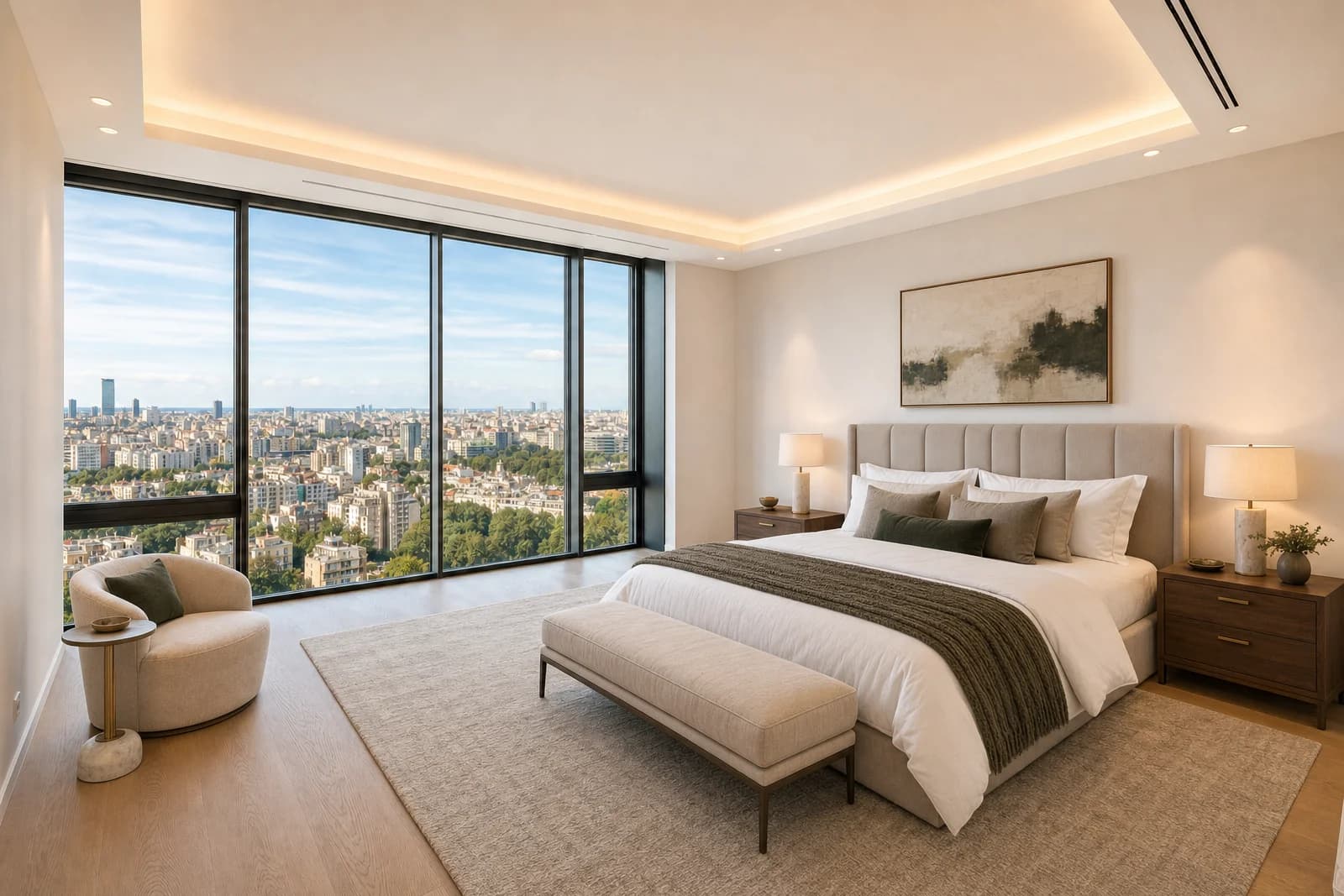
 Before / after
An empty space into a sales-ready shot
A before/after example from the AI Studio virtual staging tool.
 Before / after
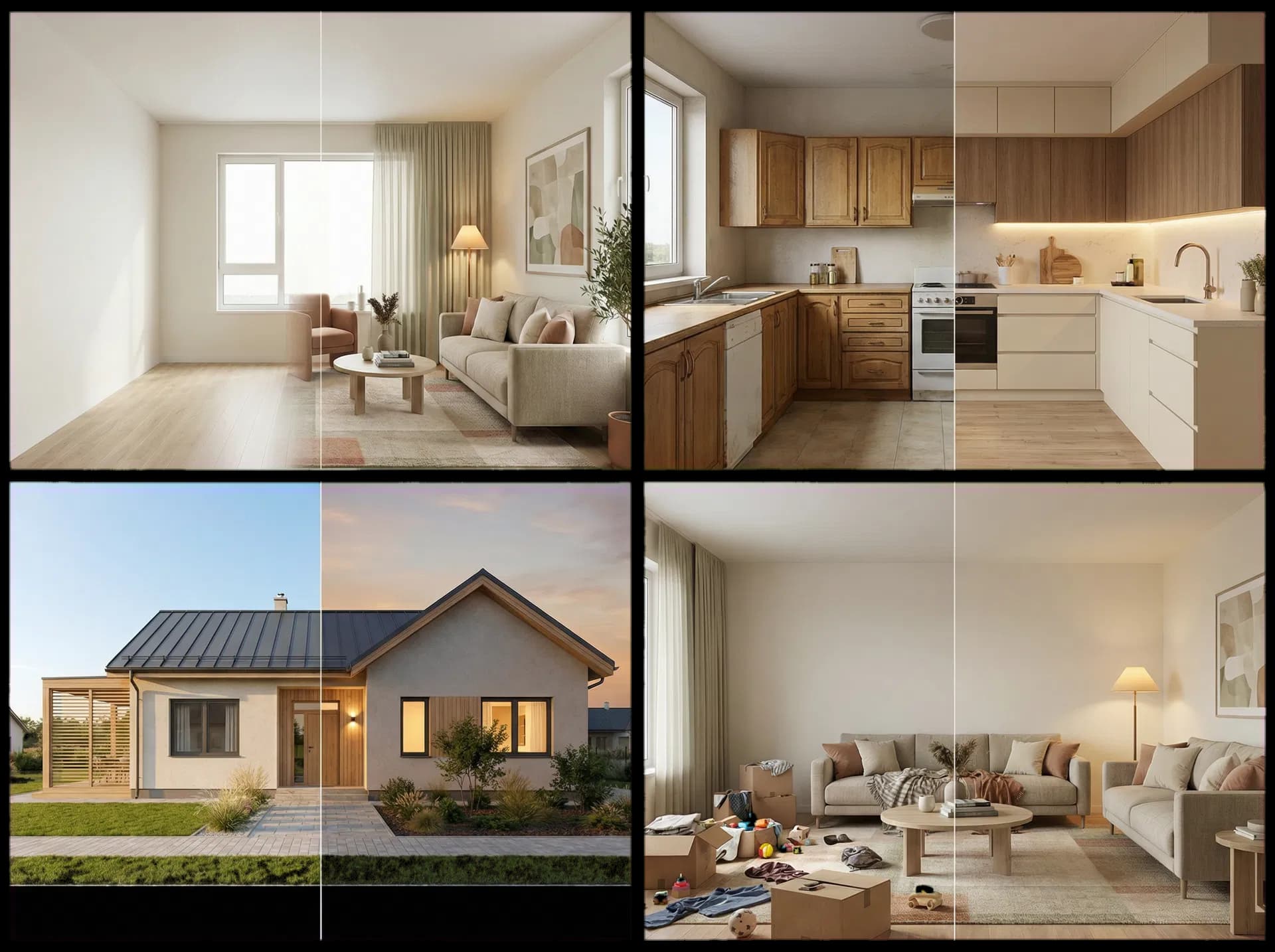
Clear the shot of clutter, people, vehicles or small distractions before the listing goes live.
from $9
0.5 credits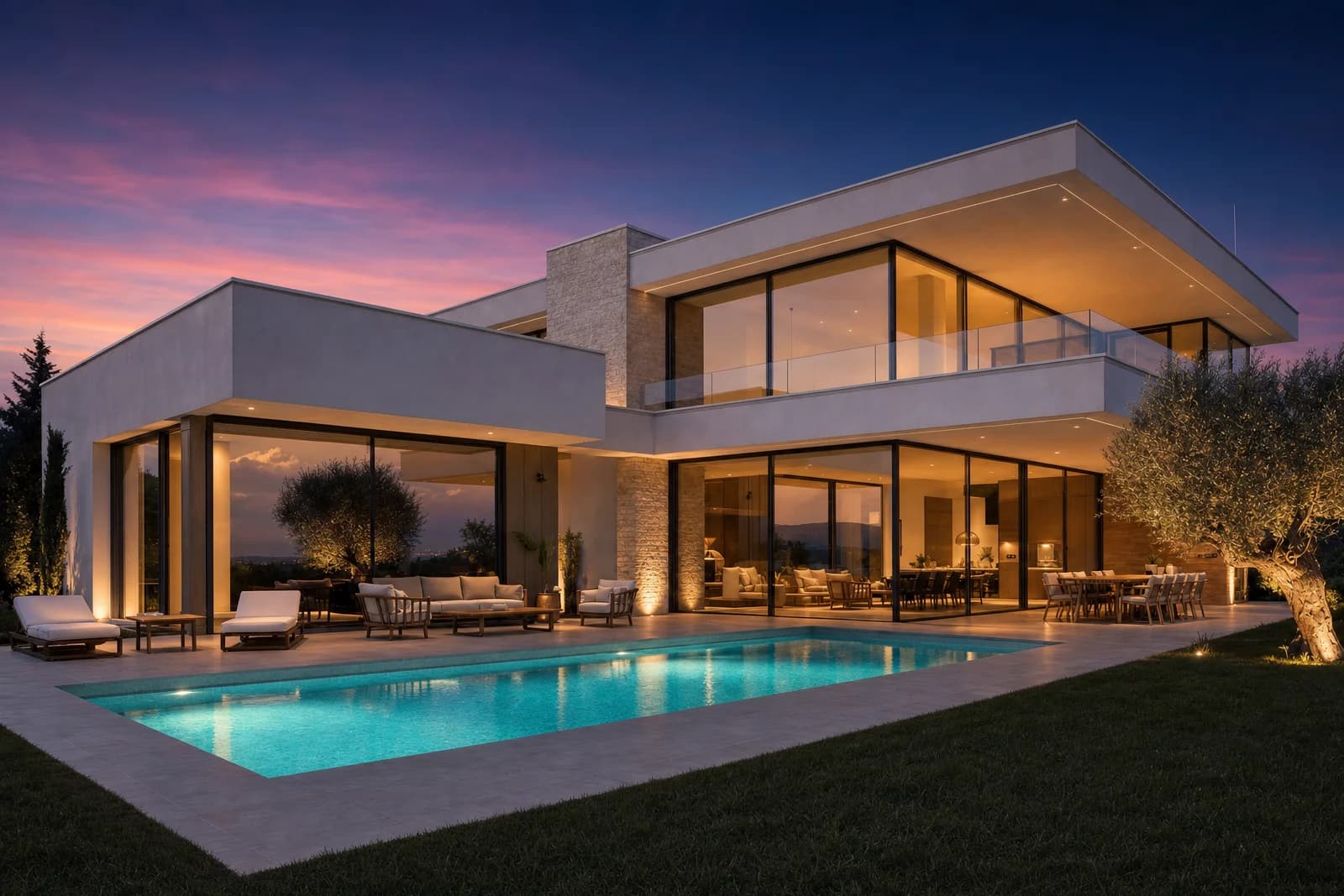
 Before / after
Turn a daytime shot into an evening mood that makes a warmer first impression.
from $9
0.5 credits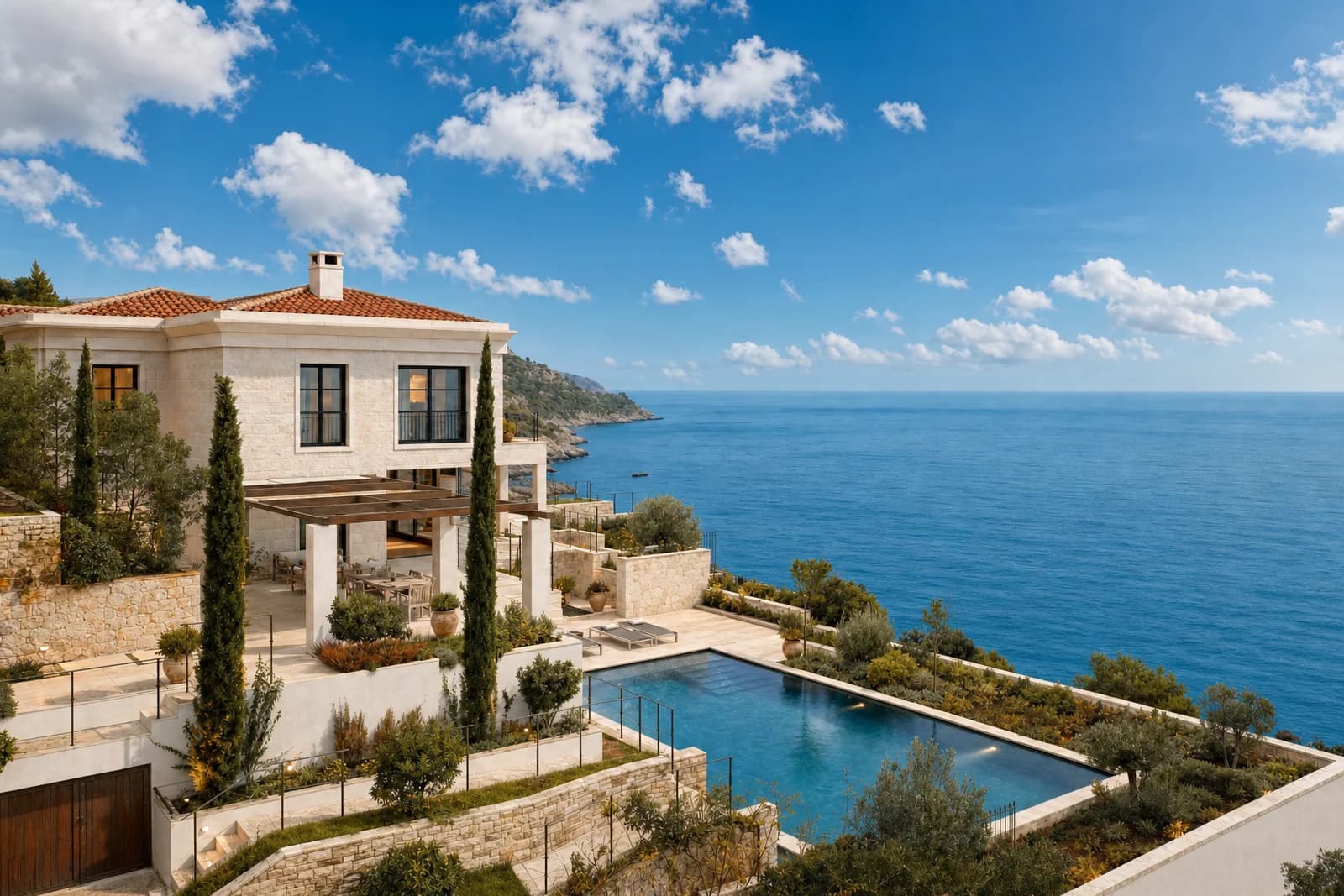
 Before / after
Keep a good shot, but swap a grey or blown-out sky for a better mood.
from $9
0.5 credits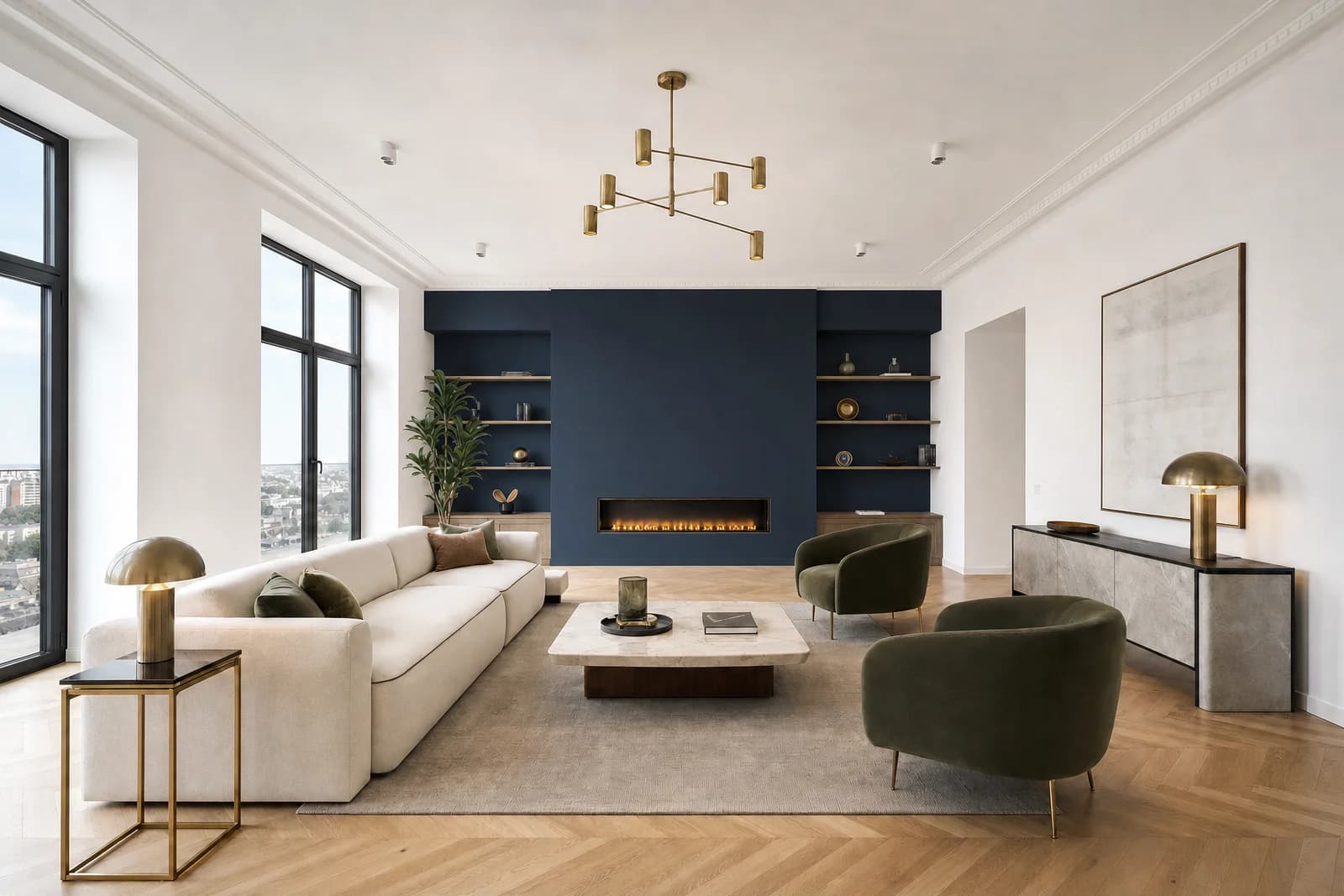
 Before / after
Test a new wall color before you actually repaint the space.
from $9
0.5 creditsBefore / afterTurn an empty space into a room buyers immediately understand and connect with.
from $9
1 credit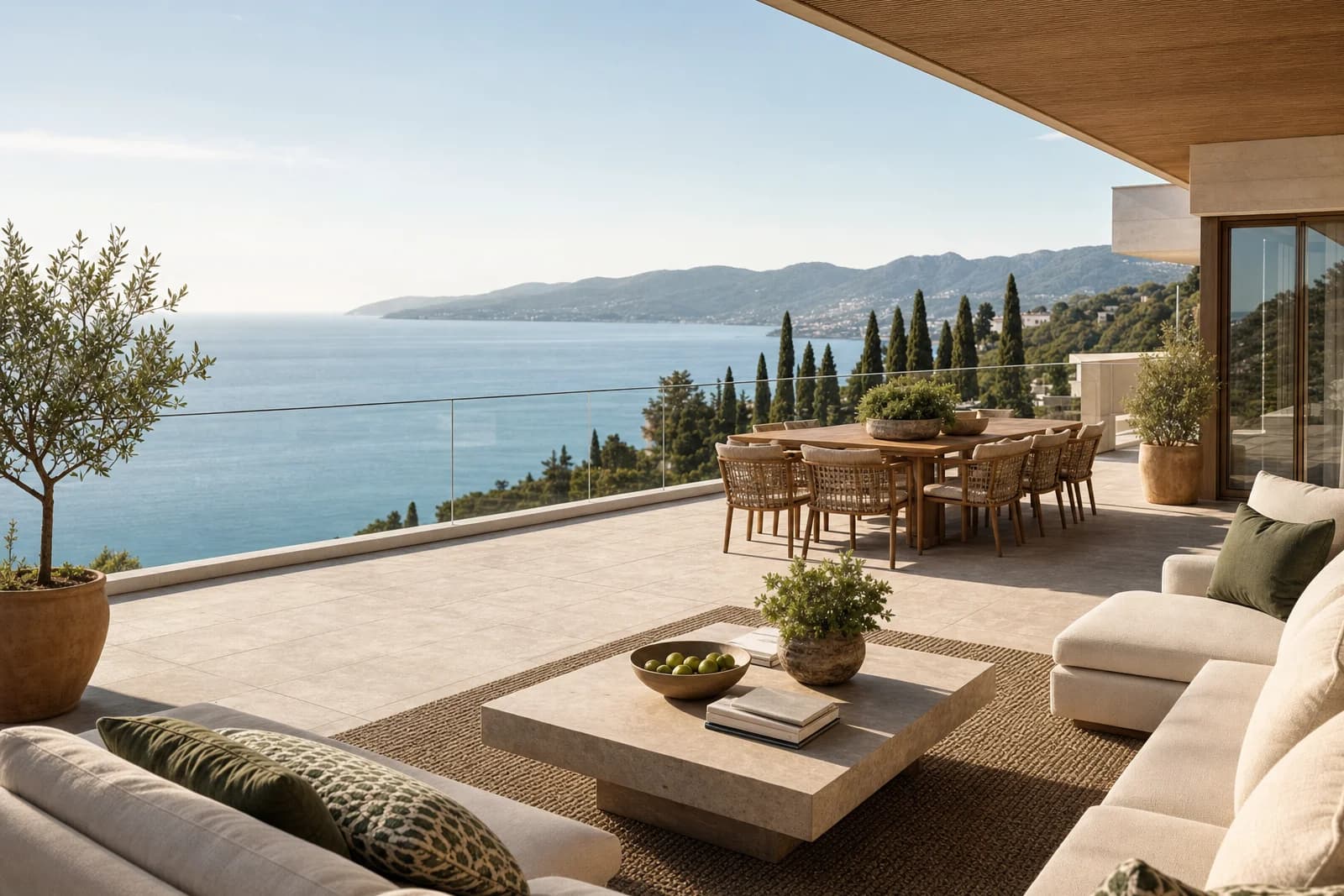
 Before / after
Add a specific piece of furniture or decor, or replace an existing piece using several angles of the same model.
from $9
1 credit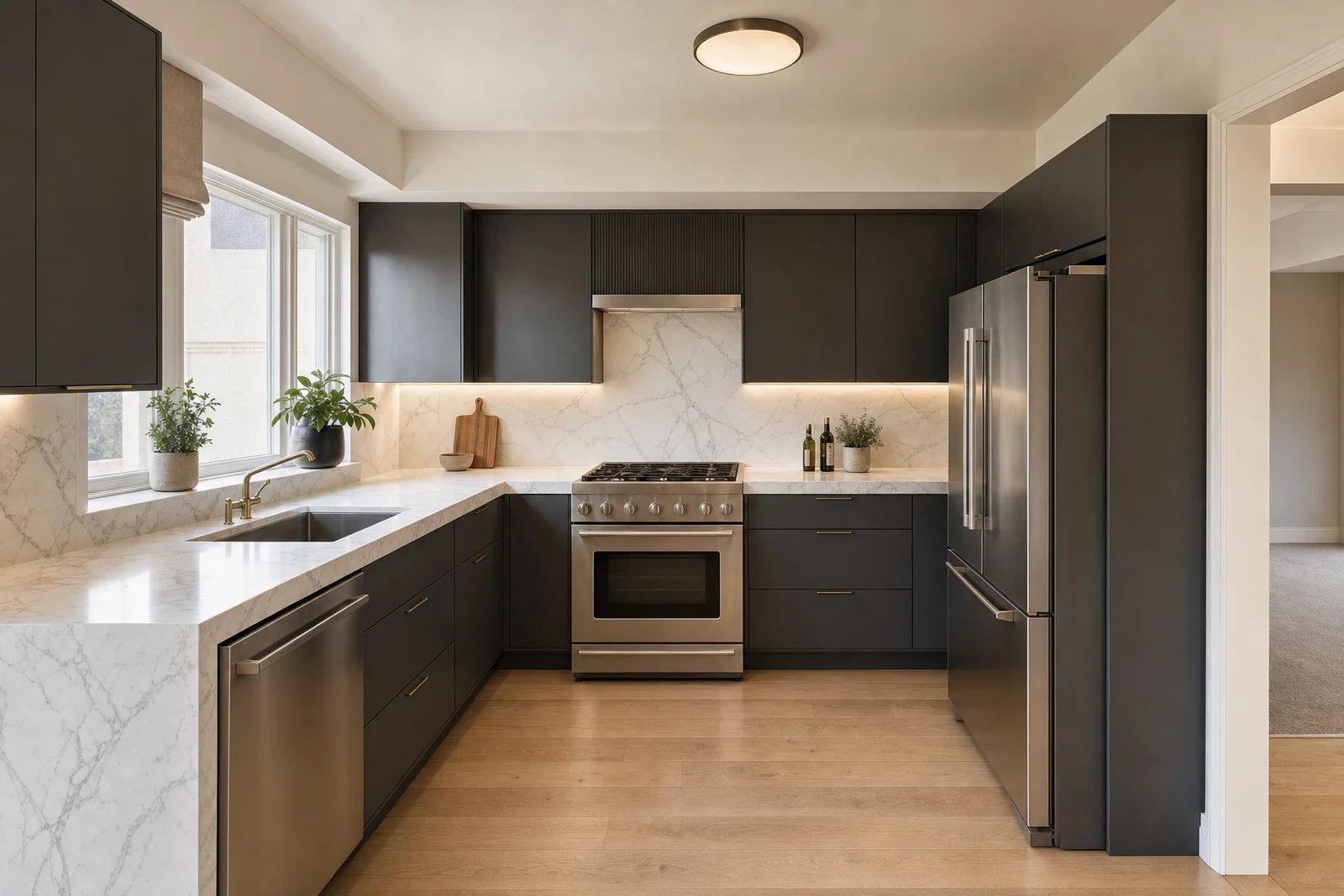
 Before / after
Show renovation potential before expensive decisions on materials and works.
from $9
1 credit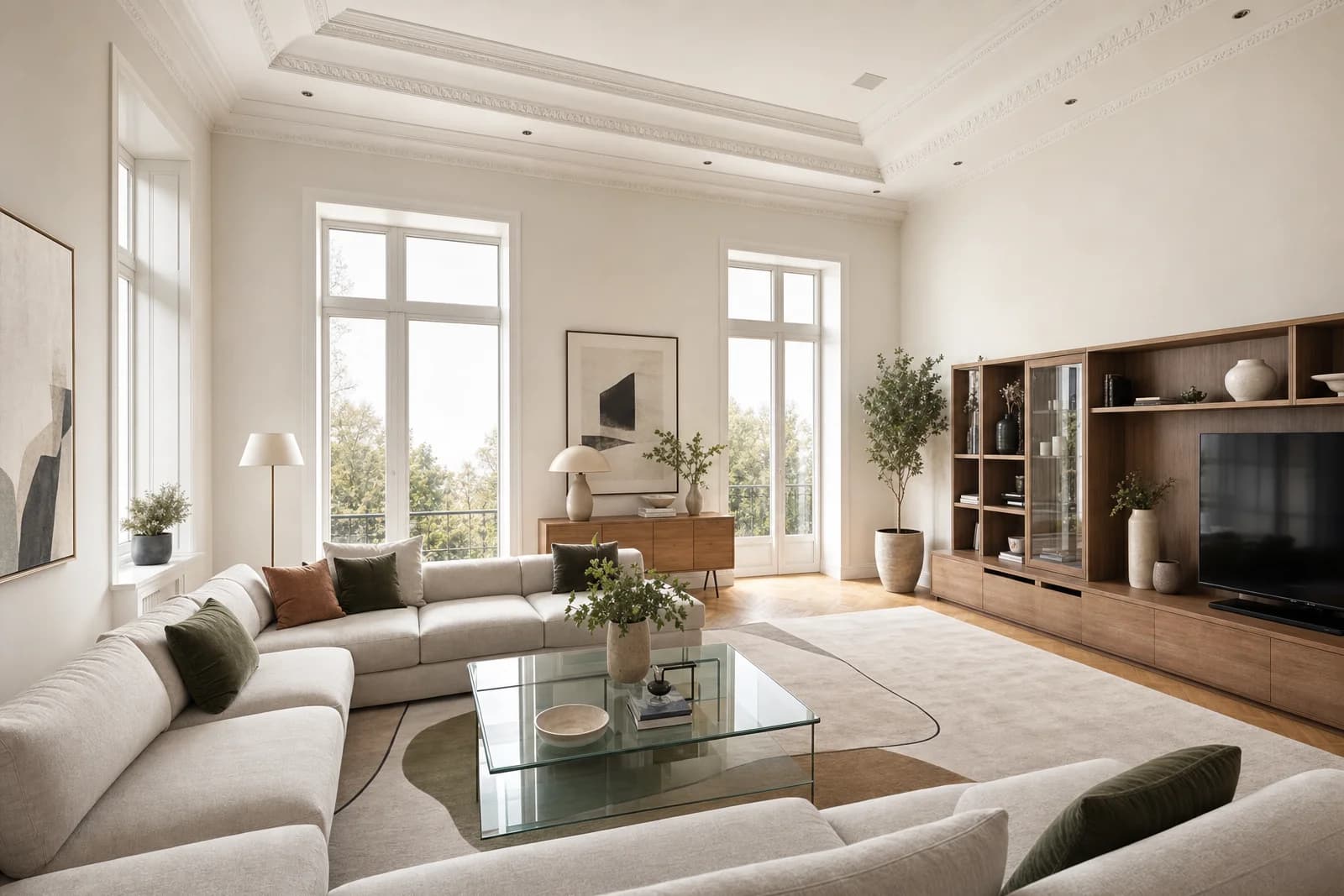
 Before / after
Change the style and mood of an existing room without a full 3D project.
from $9
1 creditHow it works
JPG, PNG or WebP up to 50 MB. Clear, wide shots work best.
From quick corrections to staging, furniture and decor replacement, renovation and redesign.
Write what to change, what to keep, and mark a mask if needed.
Download the result or use it as a new input image.
Tools
Every tool has a clear scope: from quick photo clean-up to staging, furniture and decor insertion or replacement, renovation and room redesign. The example prompt under each tool shows how to phrase your instruction.
Clear the shot of clutter, people, vehicles or small distractions before the listing goes live.
Input: Photo + what to remove
Output: A clean photo
“Remove the bags and cables next to the wall. Keep the floor and shadows as natural as possible.”
Turn a daytime shot into an evening mood that makes a warmer first impression.
Input: Photo + mood
Output: A dusk or night shot
“Subtle blue hour, warm light in the windows, keep the facade color unchanged.”
Keep a good shot, but swap a grey or blown-out sky for a better mood.
Input: Exterior with visible sky
Output: A photo with a better sky
“Lightly clouded sky, keep the building color and facade exposure unchanged.”
Test a new wall color before you actually repaint the space.
Input: Photo + target color
Output: A new wall color
“Change only the wall behind the bed. The ceiling, trim and furniture stay the same.”
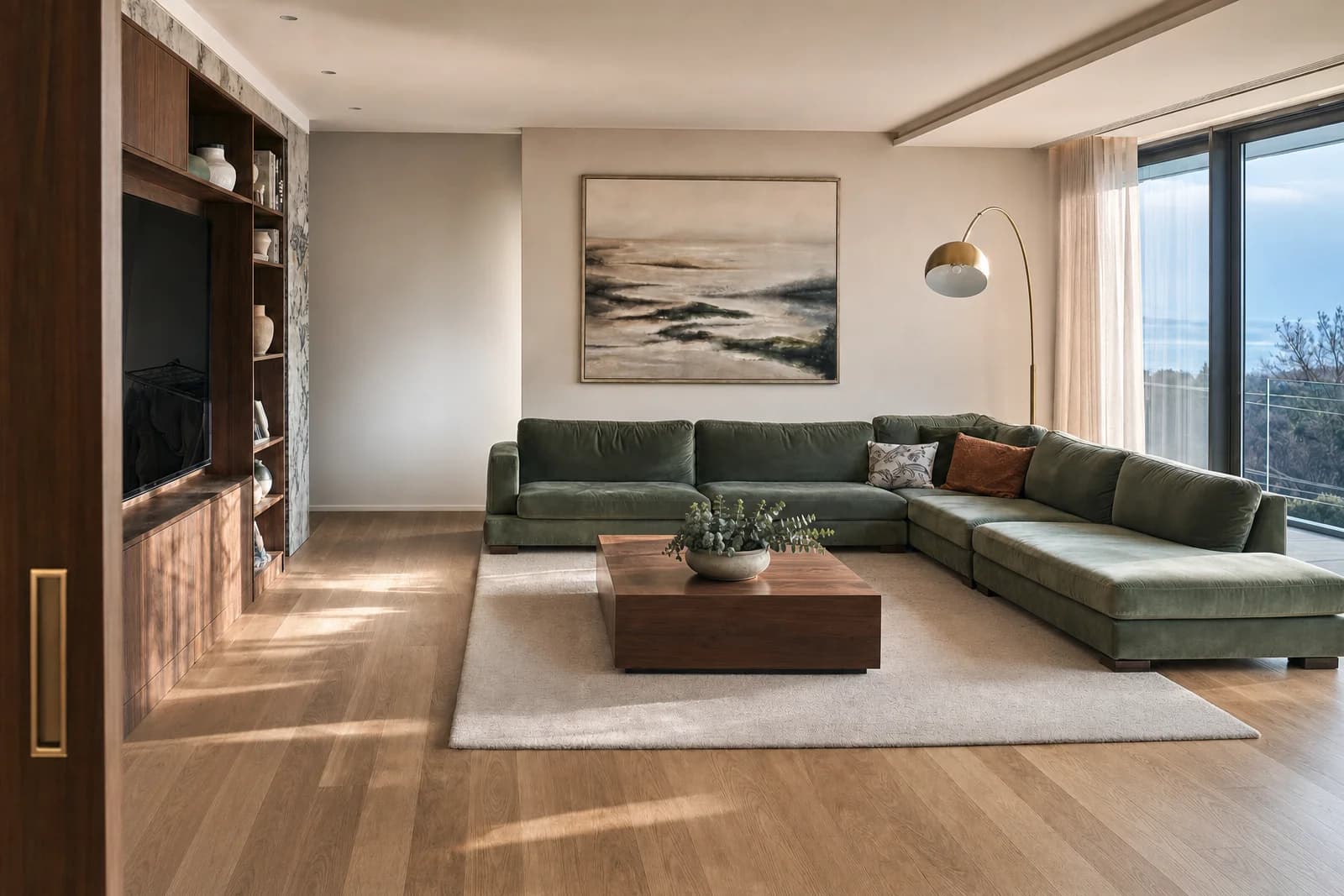
Turn an empty space into a room buyers immediately understand and connect with.
Input: Photo + room type + style
Output: A furnished space
“Living room, warm modern style, neutral palette, wood and light textiles.”
Add a specific piece of furniture or decor, or replace an existing piece using several angles of the same model.
Input: Interior + up to 5 angles of the piece
Output: The piece added or replaced
“Replace the existing armchair with the reference model. Keep the scale, light and shadow on the floor.”
Show renovation potential before expensive decisions on materials and works.
Input: Photo + what to change + style
Output: A renovated variant
“Replace the floor with oak parquet, walls in warm white, keep the kitchen layout.”
Change the style and mood of an existing room without a full 3D project.
Input: Photo + room type + style
Output: A new design variant
“Light Scandinavian style, less visual clutter, keep the windows and the basic layout.”
Scenarios
Remove clutter, vehicles, people or small distractions. The space looks listing-ready without physical intervention.
Best for: Agents, property owners, photographers
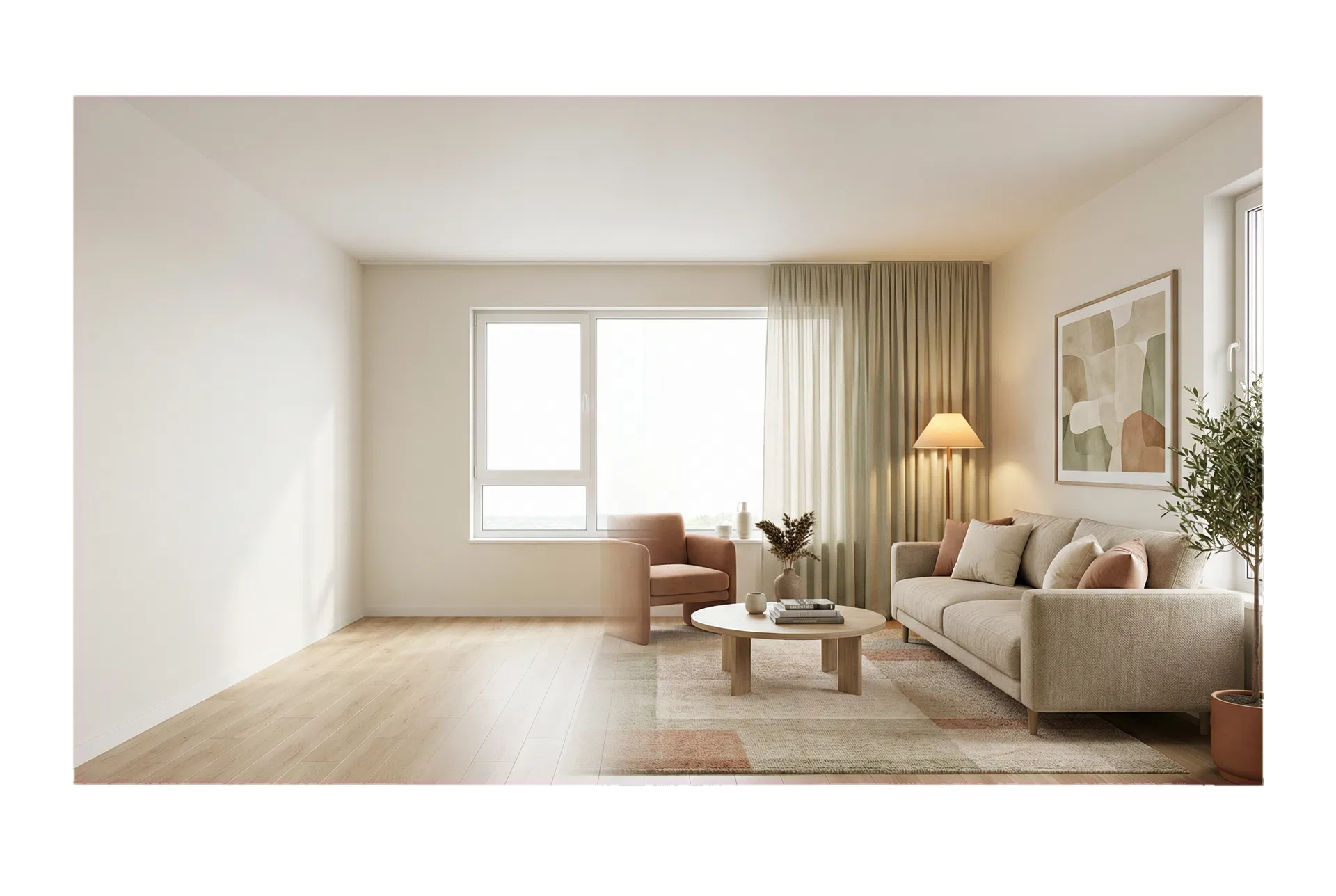
Add furniture, decor and atmosphere in a chosen style so buyers immediately understand the room's purpose.
Best for: Agencies, investors, owners who are selling
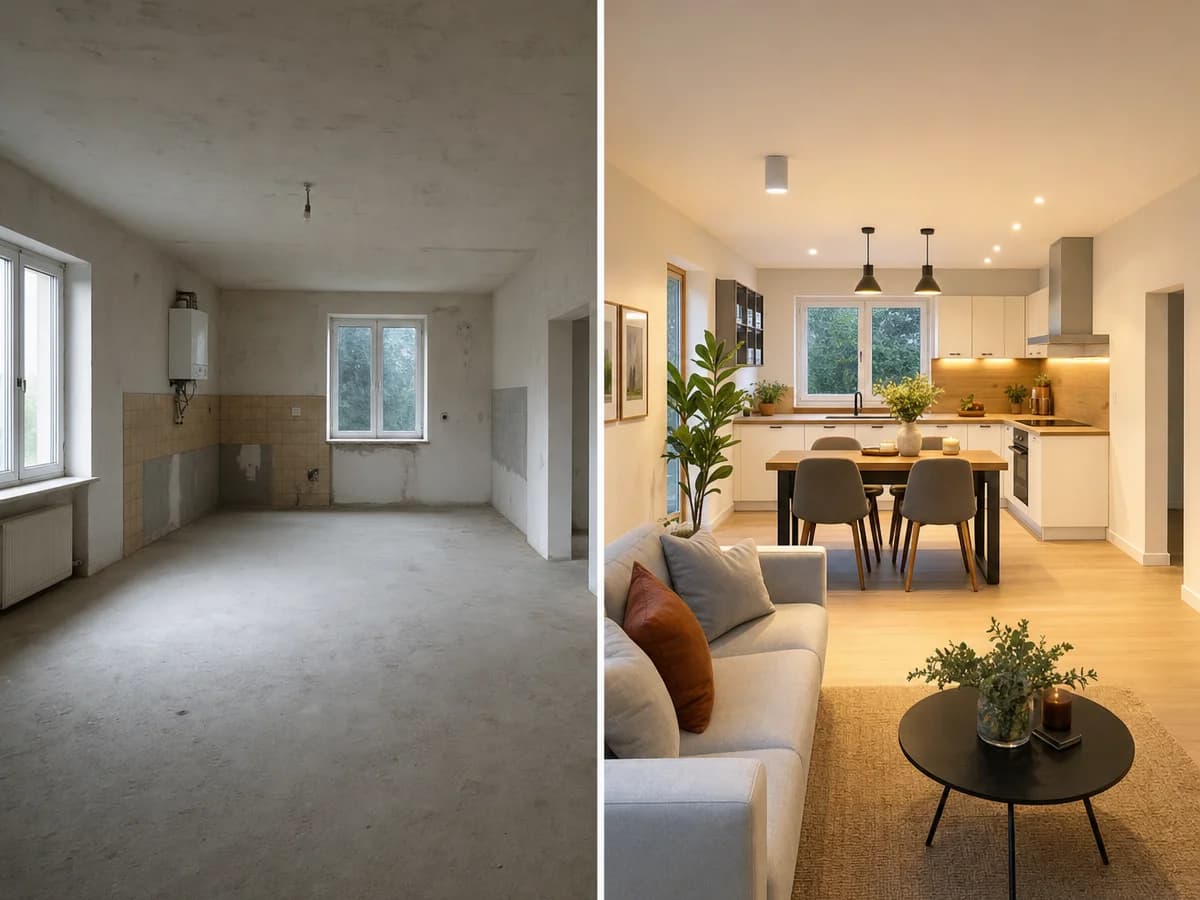
Test floors, walls, materials and mood before you make expensive decisions.
Best for: Investors, designers, owners who are renovating
When to use which
Fast editing of an existing photo. Ideal when you already have the shot and need a visual correction or improvement.
A hand-built 3D visual with full control over architecture, materials and camera angles.
Credits
Credits stay valid for 12 months from your last top-up. Larger packages have a lower price per credit, and the system automatically applies the best rate for your chosen quantity. Prices are shown in USD, VAT included.
10
credits
$9
$9 per credit
25
credits
$19
$9 per credit
50
credits
$29
$9 per credit
100
credits
$49
$9 per credit
Tips
Upload a clear photo; the better the resolution, the better the result.
Write what must stay the same: windows, layout, floor, materials.
Do not ask for several unrelated things in one sentence.
For staging, state the room's purpose, style and color palette.
For adding or replacing furniture or decor, upload up to 5 angles of the same piece; for a replacement, mark the existing piece with a mask.
For renovation, separate materials, furniture and lighting.
For removing larger objects, use a mask in Advanced mode.
If the result is close, use it as a new input and ask for a small correction.
FAQ
No. AI Studio edits existing photographs. If the space doesn't exist yet or you need a fully controlled architectural view, a classic render is the better choice.
Use a mask when you want the edit to affect only part of the image: a larger object, a specific wall, part of the floor or one zone of the room.
Staging adds furniture to an empty space. Renovation changes the materials and elements of the space. Redesign changes the style and atmosphere of an existing room.
When you have a photo of the space and separate images of a specific piece of furniture, decor, lighting, plant, artwork or appliance. You can add several angles of the same model/color/material, and for replacement you mark the existing piece with a mask.
Yes. A result can become the new input image for a small correction or further editing. If you continue the same edit type, the system currently allows one free retry.
If the system fails to complete the edit, the charged credits are returned to your AI Studio balance. If the result isn't good enough, continue editing from the result and use the available free retry for the same edit type.
AI Studio files are stored for 30 days. During that period you can download the result from your history or use it as a new input image.
Yes. Elegant Render is part of White Rook DOO and issues proper documentation for credit purchases based on the buyer's details.
AI Studio
Start with one clear photo. If you are not sure which tool is right, start from the goal: clean up, furnish, renovate or change the mood.
10 credits
$9